Extracting lyrics or transcribing a song is extremely helpful to both creators and listeners. But the process can be a tedious and daunting task if you're trying to manually recognize and transcribe the lyrics in a song to make a music video with lyrics.
Thanks to AI lyrics extractors, getting accurate lyrics has never been easier. In this blog, we'll dive into how to get lyrics from any song using AI tools and explore some of the best extractors that you. Without further ado, let's jump into it, now!
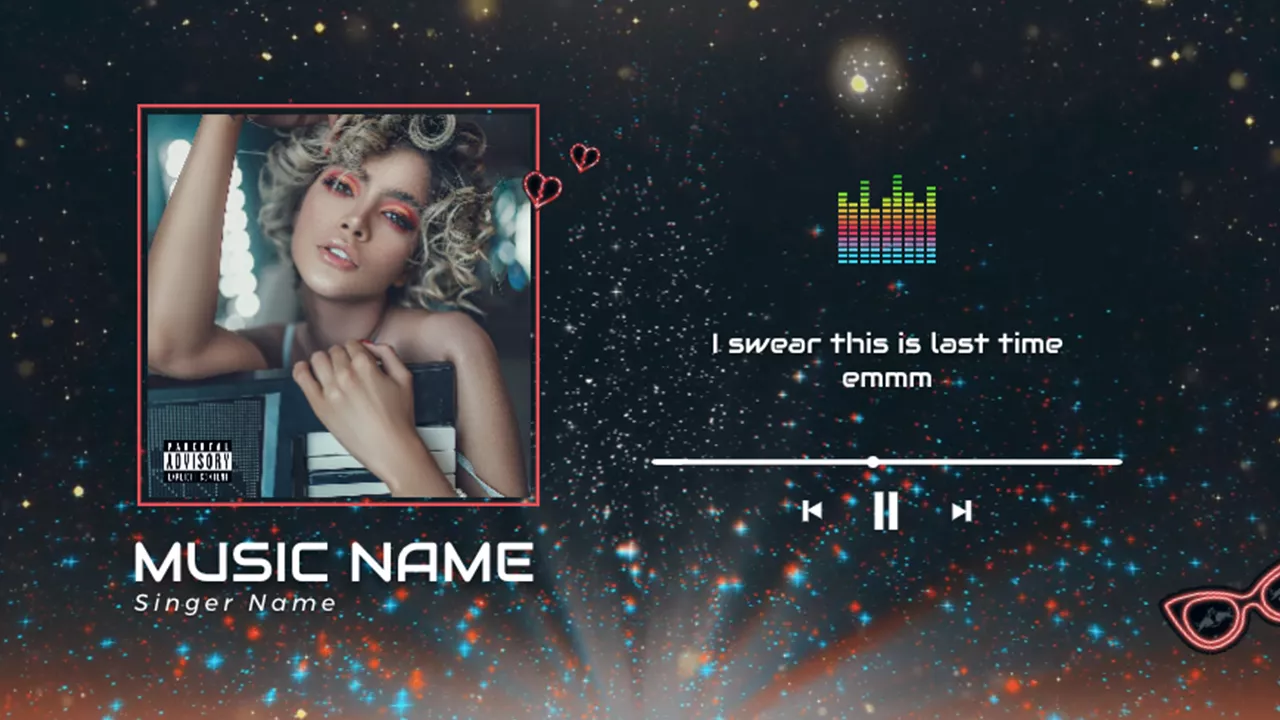
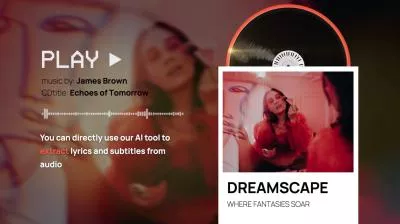
Can't Miss: 10 Best Lyric Video Makers: Easily Create Lyric Videos on Web, PC, Mac, & Mobile Phone>
Part 1 Can You Extract Lyrics from a Song?
Absolutely! Thanks to AI, you can turn a song's vocals—whether sung or spoken—into written lyrics in no time. AI-powered speech recognition technology can pick out the singer's voice from the music, creating a clean, editable transcript.
All you need is picking an AI lyric extractor and uploading your song file. Then you're ready to extract the lyrics from the song to make lyric videos, or even use songs to learn a new language. It's fast, easy, and way more fun than scribbling down lyrics by ear!
Part 2 How to Extract Lyrics from a Song with AI
Many online tools make lyrics extraction simple. FlexClip's Audio Transcriber is a user-friendly AI lyrics extractor that works directly in your browser. Using FlexClip as an example, we'll show you how to easily get lyrics from any song, audio, or video file.
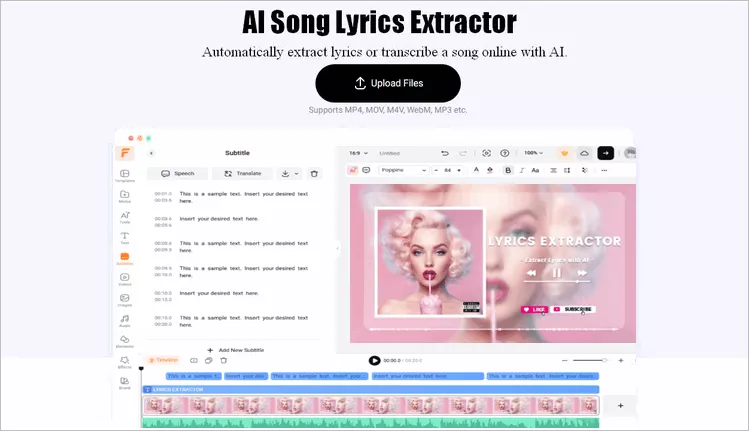
Online Lyrics Extractor - FlexClip
Step 1 Upload Your Music File

Click the Extract Lyrics Now button above to access FlexClip and upload your song files or other music video assets from your PC, phone, Google Drive, One Drive, or Dropbox.
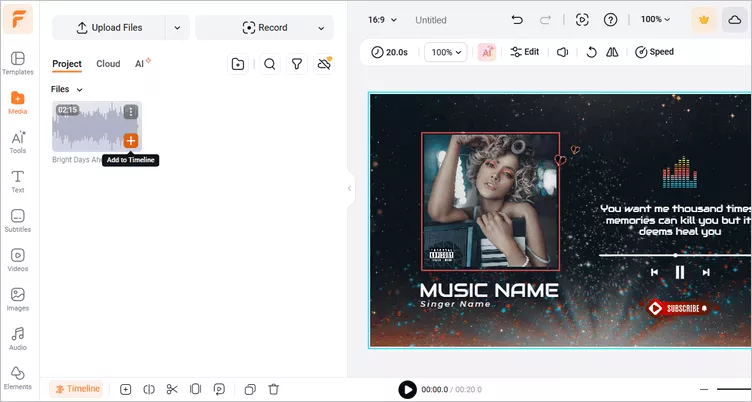
Extract Lyrics from a Song with FlexClip - Upload
Once uploaded, click the plus sign to add the song file to the audio track. Here you need to adjust the background duration to align with the song length.
Step 2 Transcribe Your Audio to Text with Auto Subtitle Feature
Now, let's start extract the lyrics using FlexClip's Auto Subtitle feature, which can automatically convert any vocal to text with AI in a matter of minutes.
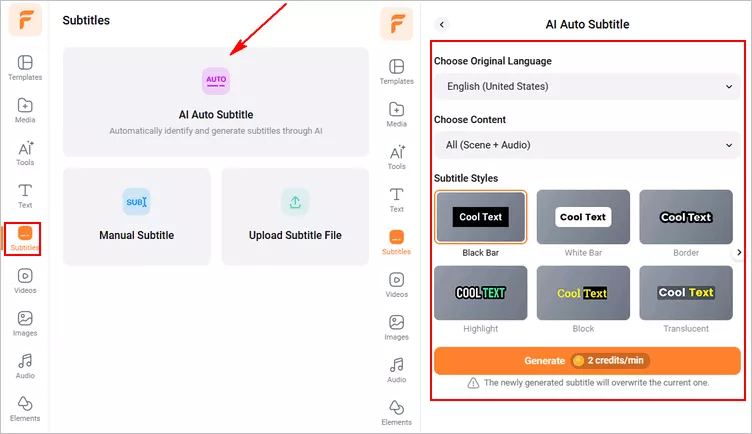
Click the Subtitle tab > Auto AI Subtitle > select the source language in your song file and audio content > select the styles of subtitles > hit the Generate Subtitles button to extract the lyrics from the song automatically.
Extract Lyrics from a Song with FlexClip - Extract Lyrics
Step 3 Edit the Song Lyrics (Optional)
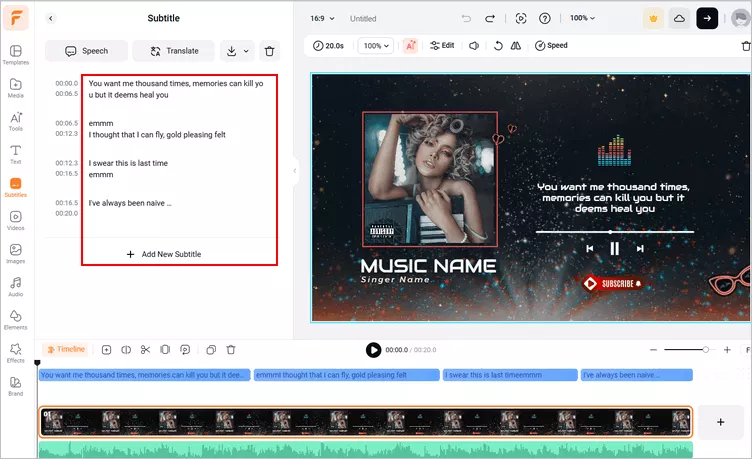
Sometimes, a singer's style or unique pronunciation can make the vocals hard to understand, so the transcription might not be perfect. Don't worry—once your lyrics are auto-generated, you can easily skim through them and fix any misspellings or mistakes to get an accurate final version.
Extract Lyrics from a Song with FlexClip - Edit Lyrics
Step 4 Save the Song Lyrics
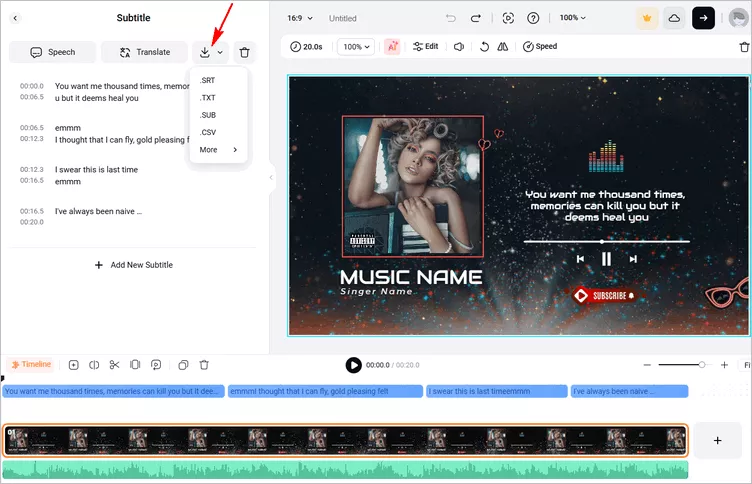
Once corrected, you can click the Download icon > select SRT format to save the transcript of your song lyrics to your computer. Or you can simply copy and paste the transcript to a TXT, or Doc file for any other use.
Extract Lyrics from a Song with FlexClip - Save Lyrics
Alternatively, you can continue importing your images and clips and using FlexClip's powerful editing features and stunning effects to make a music video with lyric subtitle directly.
Bonus: Why Choose FlexClip AI Lyric Extractor
With so many options available, you might wonder why we recommend FlexClip AI Lyric Extractor first. Let's check the reasons together.
FlexClip, with its versatile Auto AI subtitle generator, can be your best bet, especially when you're trying to transcribe a song to add those lyrics to a music video.
Best Features of FlexClip for Extracting Lyrics



With FlexClip, you can automatically transcribe a song and get the lyrics quickly. And then, you can easily stylize the auto-generated lyrics subtitles on the screen. With just one click, you can save the subtitles directly to your computer in an SRT file (or other formats like VTT, SSA, ASS, SUB, or SBV). It's also worth mentioning that you can also transcribe any other audio files, like podcast, or even a video to text from 140+ languages with different accents at the touch of a button.
What's more, as a powerful all-in-one online video maker, FlexClip helps you do so much more than extracting lyrics from a song with its additional powerful editing tools and rich assets/resources to make stunning visual effects, like stylish transitions, text/graphic animations, creative cta button, and make more cool edits to make professional-looking lyrics videos or any for YouTube, Instagram, TikTok, or any social media platform.

Part 3 More Lyrics Extractors to Get Lyrics from a Song or Any Audio File
Looking for even more options? Besides FlexClip, check out these three top online AI lyrics extractors! Instantly recognize and transcribe songs, then create music videos with lyrics—all right in your browser. No downloads, no hassle—just fast, seamless results!
Online Lyrics Extractor - RecCloud
Another excellent AI-powered lyrics extractor you can try is RecCloud. Designed with a focus on the human voice, RecCloud can isolate singing from background instruments, heavy reverb, or live audience noise, delivering a more accurate transcription.
RecCloud allows you to process entire audio tracks, whether it's full-length concerts, extended rehearsals, or continuous DJ mixes, without any file splitting or duration limits. You have complete control over the transcript, correct, adapt, and refine every word. The output is fully editable text, letting you fix misheard phrases, adjust lines, or reformat the structure to match your final draft perfectly.
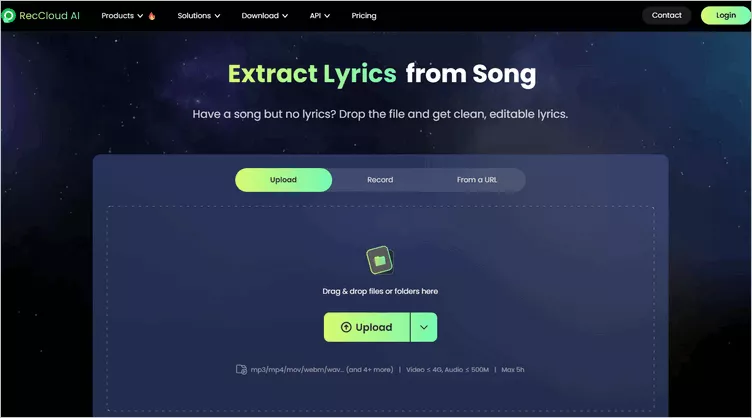
Online Lyrics Extractor - RecCloud
How to Extract Lyrics from a Song with RecCloud
Online Lyrics Extractor - Veed
Veed also offers an online music transcription tool to help you extract lyrics from a song. You can now automatically transcribe songs to text and get the lyrics easily with this lyrics extractor. Veed can do it all for you in one click. Get accurate song lyric transcriptions requiring only minimal edits.
With Veed, you can transcribe songs and download a copy of your lyrics transcripts online straight from your browser, without downloading any software. You can even translate your transcript to multiple languages and also hard-code your song lyrics into your video. What's more, Veed offers a full suite of tools for all your audio and video editing needs.
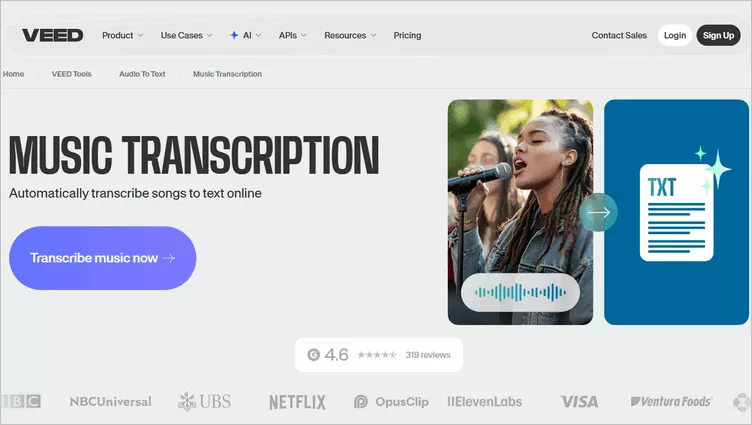
Online Lyrics Extractor - Veed
How to Extract Lyrics from a Song with Veed
Online Lyrics Extractor - VideoToText AI
VideoToText AI is another excellent tool for extracting lyrics from your MP3 audio. It delivers accurate song lyrics instantly from both audio and video sources, making it perfect for karaoke, subtitles, or content creation.
Simply upload your file to VideoToText AI, and its system automatically handles the extraction process, letting you export your results as song lyrics. The platform supports over 100 languages and allows you to translate your original audio into English, Spanish, French, German, and many more. Powered by state-of-the-art transcription models, it delivers up to 99% accuracy on clear MP3 audio.
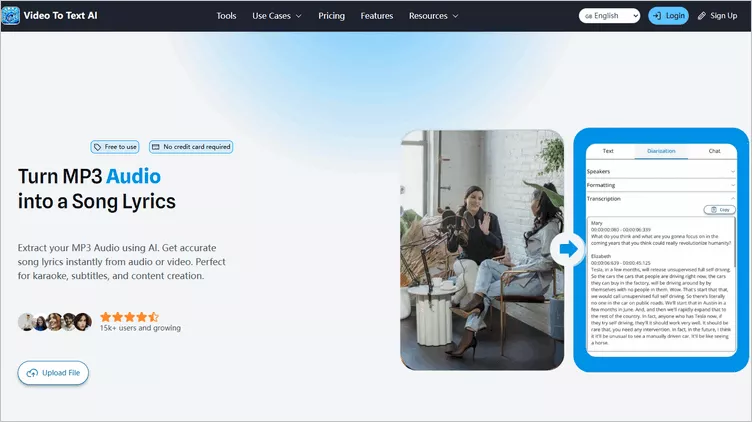
Online Lyrics Extractor - VideoToText AI
How to Extract Lyrics from a Song with VideoToText AI
Final Words
So, that’s how you can automatically extract lyrics from a song to make a music video with lyrics quickly. By the way, all the tools we shared above are more than a lyrics extractor! They can help you transcribe any other audio file and offer powerful editing tools to help you make or edit your videos for any occasion and purpose. Just pick one and start working on your project right now!




FlexClip AI Video Maker
Reach professional-quality videos faster with easy editing tools, templates, and smart AI.
Start Now for Free
Hot & Trending
-

Best Ways to Find Music in YouTube Videos
-

Instagram Story Video Quality Bad After Upload? Fix It!
-

How to Repost Video on TikTok & How to Remove TikTok Repost
-

Improve Video Quality Online: 3 AI Video Quality Enhancers You Can't Miss
-

4K Convert to HD 1080p without Watermark: Best 4k Video Converters
-

Best 8 Free Video Editors - No Download Required
-

Top 13 Birthday Video Makers with Music and Effects Free
-

How to Search Filters on TikTok & Use a Filter You See - TikTok Filter Guide