


Renderforest does have numerous great logo animation templates that you can customize. But if you are searching for Renderforest alternatives, you are probably looking for a tool that offers more flexibility, more affordable pricing, and better outputs. Fortunately, the market is full of powerful alternatives.
In this guide, we will explore the best Renderforest alternatives, including their key features, pros and cons, pricing to help you make a wise decision. Let’s dive in!
List of the Best Renderforest Alternatives
1. FlexClip
FlexClip’s AI logo animation generator is winning over users with its seamless experience and polished branding results. It balances the speed, simplicity, and professional-looking results.
FlexClip AI Logo Animation
Whenever you head over to FlexClip’s template page, you have access to around 2000 logo animation templates, which you can easily customize by changing text, changing background, or tweaking the font.
We need to mention the AI logo templates. The designers are using AI technology to make logo reveals look more dynamic, and visually impressive. Additionally, no matter what your original logo looks like, FlexClip can preserve the template’s intended animation quality, the texture, and overall visual effect. That’s to say, you don’t have to worry about whether your logo will fit the design.


Key Features of FlexClip
Downsides of Using FlexClip
Pricing
2. Wideo
As a template-based logo animation generator, Wideo and FlexClip share a lot in common. With over 100 logo animation templates, Wideo automatically creates logo animations based on the template you choose, and the logo you upload.
Besides fitting your logo into broader brand-video work, Wideo also supports MP4 export, direct sharing, stock assets for marketing and promo content. So if someone starts with a logo animation, they can keep using the same tool for intros, ads, explainers, and social clips instead of learning a separate platform.
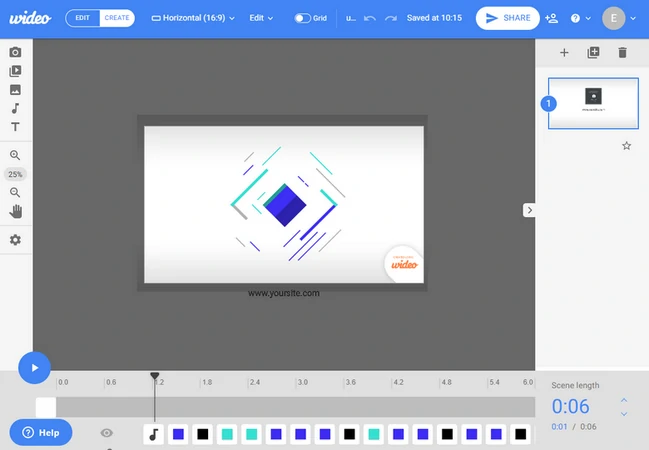
Wideo Interface Overview
Key Features of Using Wideo
Cons of Using Wideo
Pricing
3. Videobolt
Videobolt presents itself as a browser-based video maker with 15,000+ customizable templates, including logo animations, intros, slideshows, music videos, lower thirds, etc. It also highlights a Brand Kit for reusing your logo, fonts, and colors across projects.
Videobolt’s help center also notes that on many templates, things like logo and text size are predetermined to fit the design. So all outputs look polished.
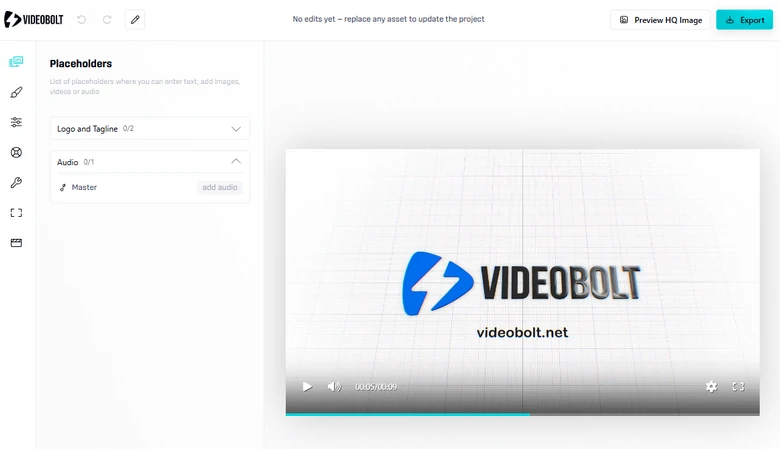
Videobolt Interface Overview
Key Features of Videobolt
Downsides of Using Videobolt
Pricing
4. InsMind
We’ve all heard about AI video generation models like Veo 3, Kling, Sora 2, but nobody has ever used them in logo animation. InsMind is one of a kind. It asks you to enter a prompt to animate any elements in the logo image.
This means you are not limited to fixed styles. You can generate custom, dynamic animations tailored to your brand identity, whether you want subtle motion effects or more eye-catching visual transformations. Embrace a hassle-free way to elevate your brand.
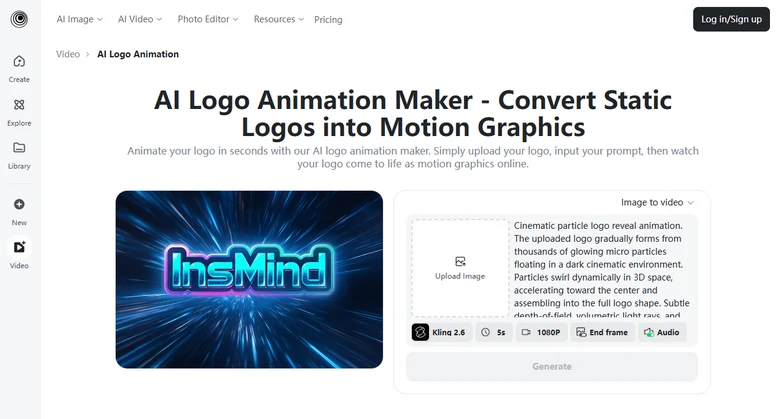
InsMind Interface Overview
Key Features of InsMind
Cons of Using InsMind
Pricing
$9.99 per month for 1000 credits, generate up to 20 videos.
5. Clipfly
Clipfly goes hand in hand with InsMind. You can make and edit videos online with AI video generation, image-to-video, object removal, and other one-click tools. The output doesn’t come with a watermark. That makes it attractive if you want quick results and an instant preview rather than traditional timeline editing.
Clipfly has won tons of positive comments over logo animation generation quality, the interface, and the tools. That’s to say, even though the entire video is created by AI, you can use it on social media or for any other purpose.
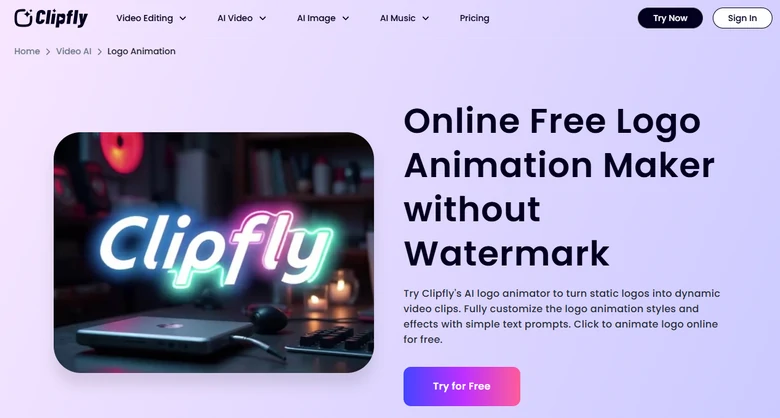
Clipfly Interface Overview
Key Features of Clipfly
Downsides of Clipfly
Pricing
6. Canva
Canva was once known as a graphic designer. Now, it also works as an animated logo maker. Similar to other tools, this tool offers 1000+ animated logo templates and an easy drag-and-drop video editor for you to start from scratch.
Unlike more narrow tools, Canva allows you to add motion effects like spin, pop, bounce, and other reveal-style animations. There is also the Brand Kit feature for storing logos, fonts, colors, and other assets so you can keep projects on-brand.
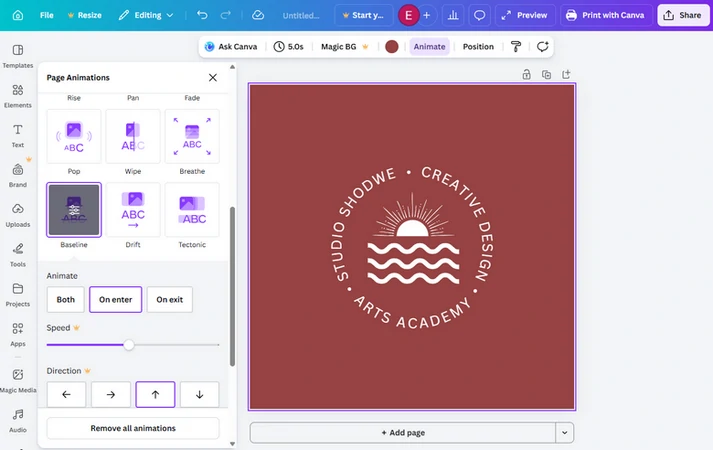
Canva Interface Overview
Key Features of Canva
Cons of Using Canva
Pricing
Frequently Asked Questions
1. What should I look for in a Renderforest alternative?
Look at template quality, customization, watermark rules, export quality, pricing and how easy it is to reuse assets across projects.
2. Which Renderforest alternative has the best templates?
That depends on the style you love. But we recommend FlexClip for its amazing AI logo animation templates and generation outputs. Videobolt has logo animation templates across all themes.
3. Are those Renderforest alternatives good for business intros and outros?
Yes, all the Renderforest alternatives listed above include intro and outro templates for business videos, presentations, and branded content.




FlexClip AI Video Maker
Reach professional-quality videos faster with easy editing tools, templates, and smart AI.
Start Now for Free
Hot & Trending
-

Best Ways to Find Music in YouTube Videos
-

Instagram Story Video Quality Bad After Upload? Fix It!
-

How to Repost Video on TikTok & How to Remove TikTok Repost
-

Improve Video Quality Online: 3 AI Video Quality Enhancers You Can't Miss
-

4K Convert to HD 1080p without Watermark: Best 4k Video Converters
-

Best 8 Free Video Editors - No Download Required
-

Top 13 Birthday Video Makers with Music and Effects Free
-

How to Search Filters on TikTok & Use a Filter You See - TikTok Filter Guide




